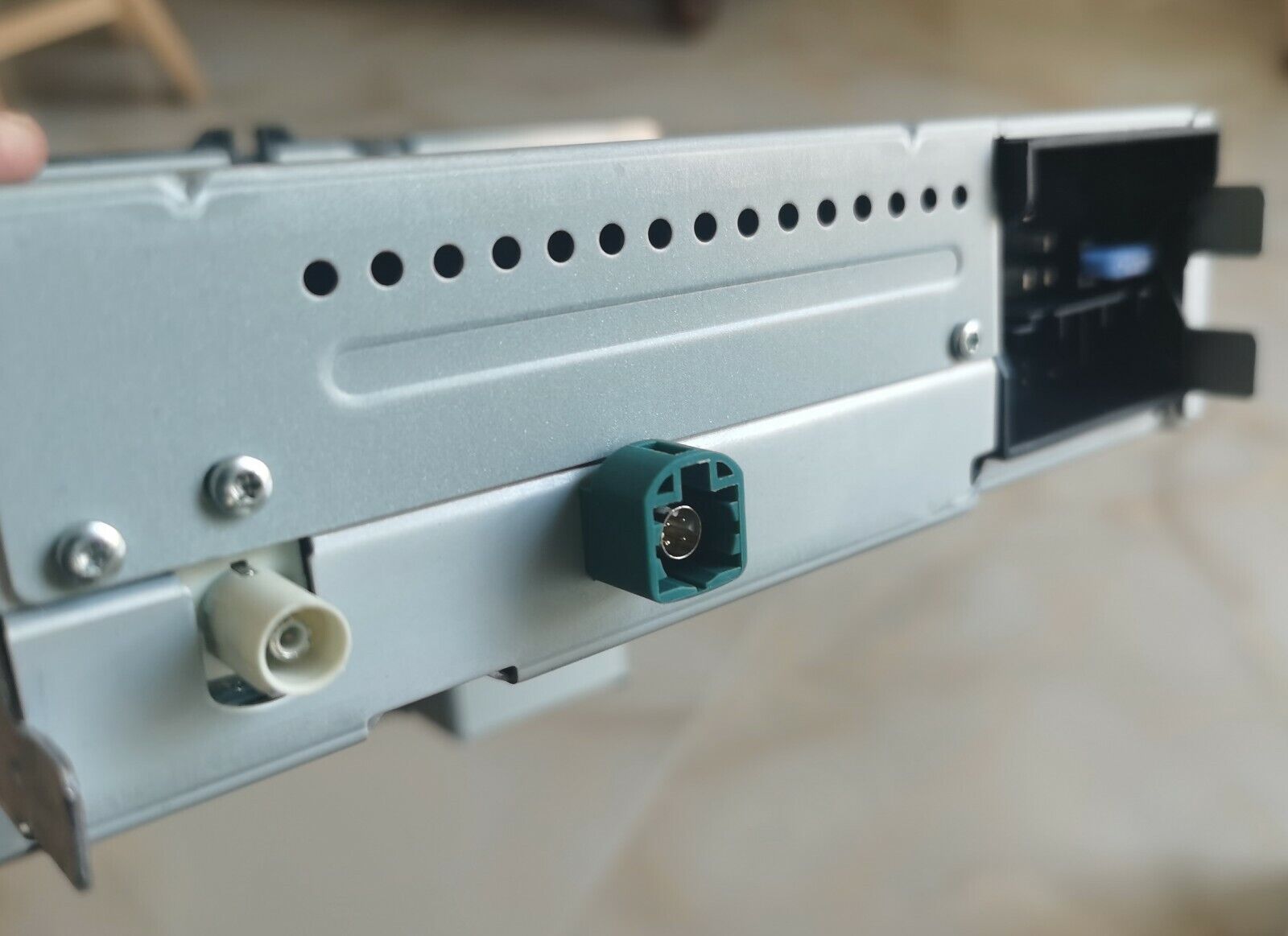
Noname 187B RCD330 Plus rear USB refit guide

Quote from Ddren on July 28, 2020, 4:13 pmThe sales link is as follows:
https://www.ebay.com/itm/184380278985
https://rcd330.com/product/rear_usb_noname_187b/
Solemn statement: This modification requires you to have a certain skill, please choose esay way.
I cannot guarantee that everyone will be patient and careful to successfully complete the modification as follow way.
Difficulty level: medium.Special Note:
1. The hole should be as close as possible to the upper edge.
2. Pay attention to safety when using an electric drill and hold the electric drill firmly.
3. Don't rush to enlarge the hole, test little by little until it fits well.Installation package:
- USB cables*2
- USB socket*1 (A or B)
- Plastic clip and Position sticker
If you think the following video is not easy for you to do like him. You can choose a easy bypass.
Rear USB for Noname 187B/E/F
Rear USB for Desay 187B
https://youtu.be/mGyj7s0Yg_0
The sales link is as follows:
https://www.ebay.com/itm/184380278985
https://rcd330.com/product/rear_usb_noname_187b/
Solemn statement: This modification requires you to have a certain skill, please choose esay way.
I cannot guarantee that everyone will be patient and careful to successfully complete the modification as follow way.
Difficulty level: medium.
Special Note:
1. The hole should be as close as possible to the upper edge.
2. Pay attention to safety when using an electric drill and hold the electric drill firmly.
3. Don't rush to enlarge the hole, test little by little until it fits well.
Installation package:
- USB cables*2
- USB socket*1 (A or B)
- Plastic clip and Position sticker
If you think the following video is not easy for you to do like him. You can choose a easy bypass.
Rear USB for Noname 187B/E/F

Rear USB for Desay 187B