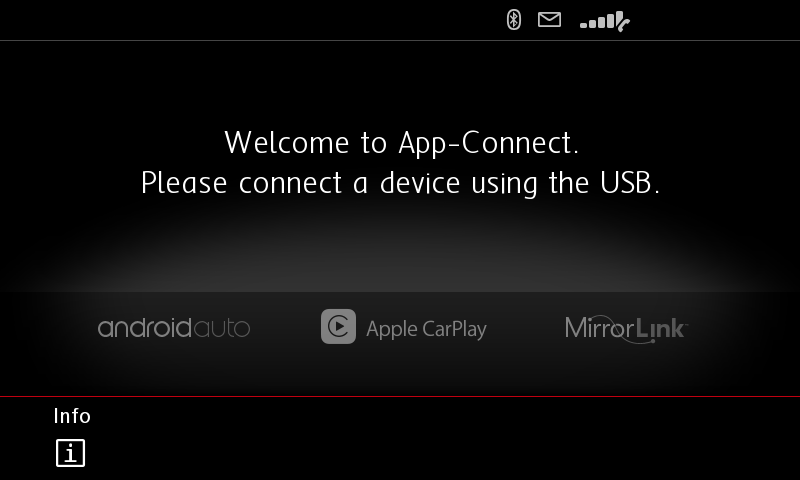
Keep the original front USB while adding a hidden rear USB port for a cleaner OEM-style setup. No more messy front-panel cables — enjoy a more concise, neat, and factory-like interior appearance.
Genuine RCD330 Noname 187B Radio
OEM Integration with CarPlay, Android Auto & MirrorLink, Backed by 1-Year Warranty.
For Fabia / Octavia / Superb / Yeti | Multi-Language Support | 1-Year Warranty
Apple CarPlay & MirrorLink | English / German Language | 1-Year Warranty
MQB OEM Upgrade System
CarPlay & Android Auto | Optional Rear USB-C | 1-Year Warranty
Fits almost Volkswagen models with flip badge trunk handle (Golf, GTI, Polo, European-spec Passat, CC, Beetle, EOS & more) | Supports aftermarket head units | 1-Year Warranty

Noname 187A RCD330 PLUS firmware SW 5516
Quote from Ddren on September 19, 2019, 1:05 pmAll resources come from the Internet,FREE
The buttons are misplaced for the 187A with RAM 256M, but can be upgraded directly.
Mute="Phone"
Setup="App"
Phone="Setup"[loginview]Download[/loginview]
How to upgrade firmware.
1. Download and put on to a USB stick
2. Plug into the head unit, turn on and hold the "setup" button for 5 secs
3. Select software update and pick the file on the USB
4. Wait. Until the progress bar of the upgrade reaches 100%.
5. Head unit will reboot. Done
All resources come from the Internet,FREE
The buttons are misplaced for the 187A with RAM 256M, but can be upgraded directly.
Mute="Phone"
Setup="App"
Phone="Setup"
[loginview]Download[/loginview]
How to upgrade firmware.
1. Download and put on to a USB stick
2. Plug into the head unit, turn on and hold the "setup" button for 5 secs
3. Select software update and pick the file on the USB
4. Wait. Until the progress bar of the upgrade reaches 100%.
5. Head unit will reboot. Done


Quote from aymanateyaa on March 23, 2024, 10:52 amPlease need your support .. as after i installed the new firmware 5516 the multifunction of my GTI steering wheel not working anymore
My Car is jetta Mk5
Please need your support .. as after i installed the new firmware 5516 the multifunction of my GTI steering wheel not working anymore
My Car is jetta Mk5
Quote from Ddren on March 27, 2024, 6:31 amFirst, you can upgrade the 5614 firmware, which is the most stable firmware.
For MK5 cars, your multi-function steering wheel has 8 buttons, and you need to install a simulator, otherwise your multi-function steering wheel cannot directly control the RCD330 plus. This is the only solution currently.
https://mega.nz/file/ZikgWDxb#tIDzbYa2a4TL8d3kbUKjNMg3lsC4EAYI2UdpCS44vHI
First, you can upgrade the 5614 firmware, which is the most stable firmware.
For MK5 cars, your multi-function steering wheel has 8 buttons, and you need to install a simulator, otherwise your multi-function steering wheel cannot directly control the RCD330 plus. This is the only solution currently.
https://mega.nz/file/ZikgWDxb#tIDzbYa2a4TL8d3kbUKjNMg3lsC4EAYI2UdpCS44vHI