Keep the original front USB while adding a hidden rear USB port for a cleaner OEM-style setup. No more messy front-panel cables — enjoy a more concise, neat, and factory-like interior appearance.
Genuine RCD330 Noname 187B Radio
OEM Integration with CarPlay, Android Auto & MirrorLink, Backed by 1-Year Warranty.
For Fabia / Octavia / Superb / Yeti | Multi-Language Support | 1-Year Warranty
Apple CarPlay & MirrorLink | English / German Language | 1-Year Warranty
MQB OEM Upgrade System
CarPlay & Android Auto | Optional Rear USB-C | 1-Year Warranty
Fits almost Volkswagen models with flip badge trunk handle (Golf, GTI, Polo, European-spec Passat, CC, Beetle, EOS & more) | Supports aftermarket head units | 1-Year Warranty

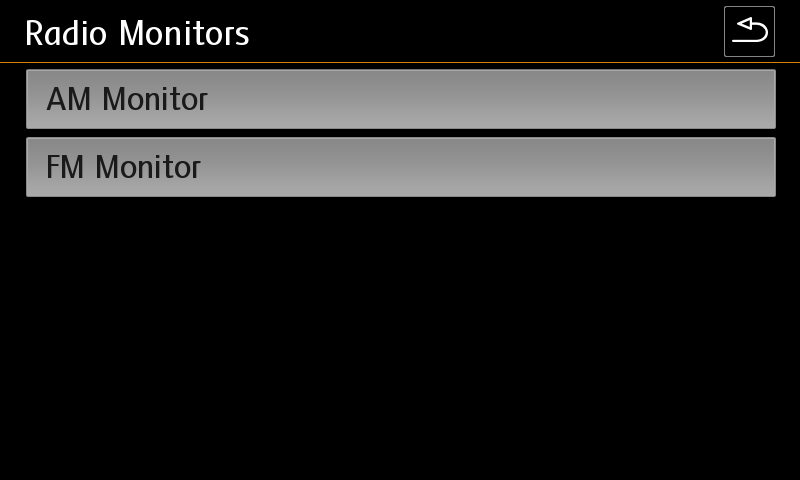
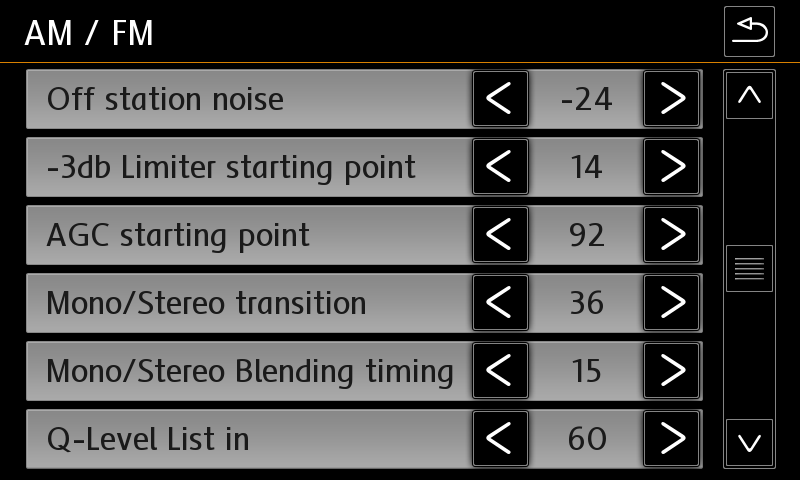
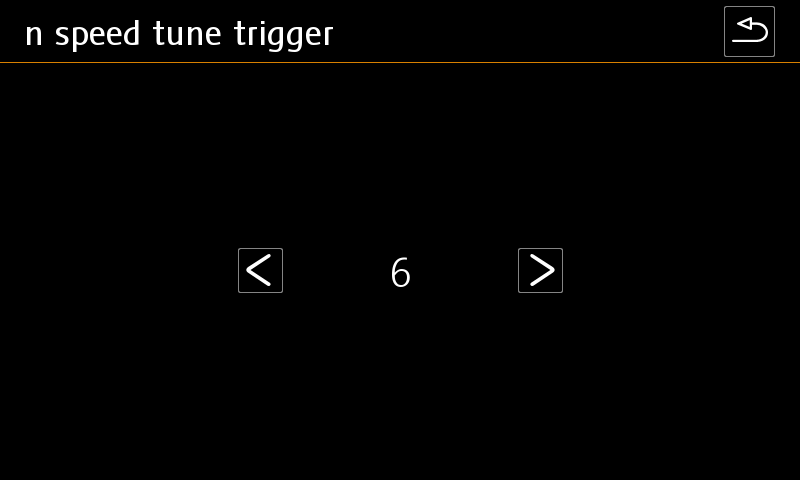
Radio reset in engineering test mode
Quote from Ddren on September 19, 2019, 2:50 pmNoname 187B or 187A
Radio reset in engineering test mode.
First, use the VGA-COM Vcds to turn on the radio's engineering test mode.
Then, press and hold the setup button until the engineering test mode appears.
Noname 187B or 187A
Radio reset in engineering test mode.
First, use the VGA-COM Vcds to turn on the radio's engineering test mode.
Then, press and hold the setup button until the engineering test mode appears.