Quote from
Sidefx on February 9, 2024, 2:58 pm
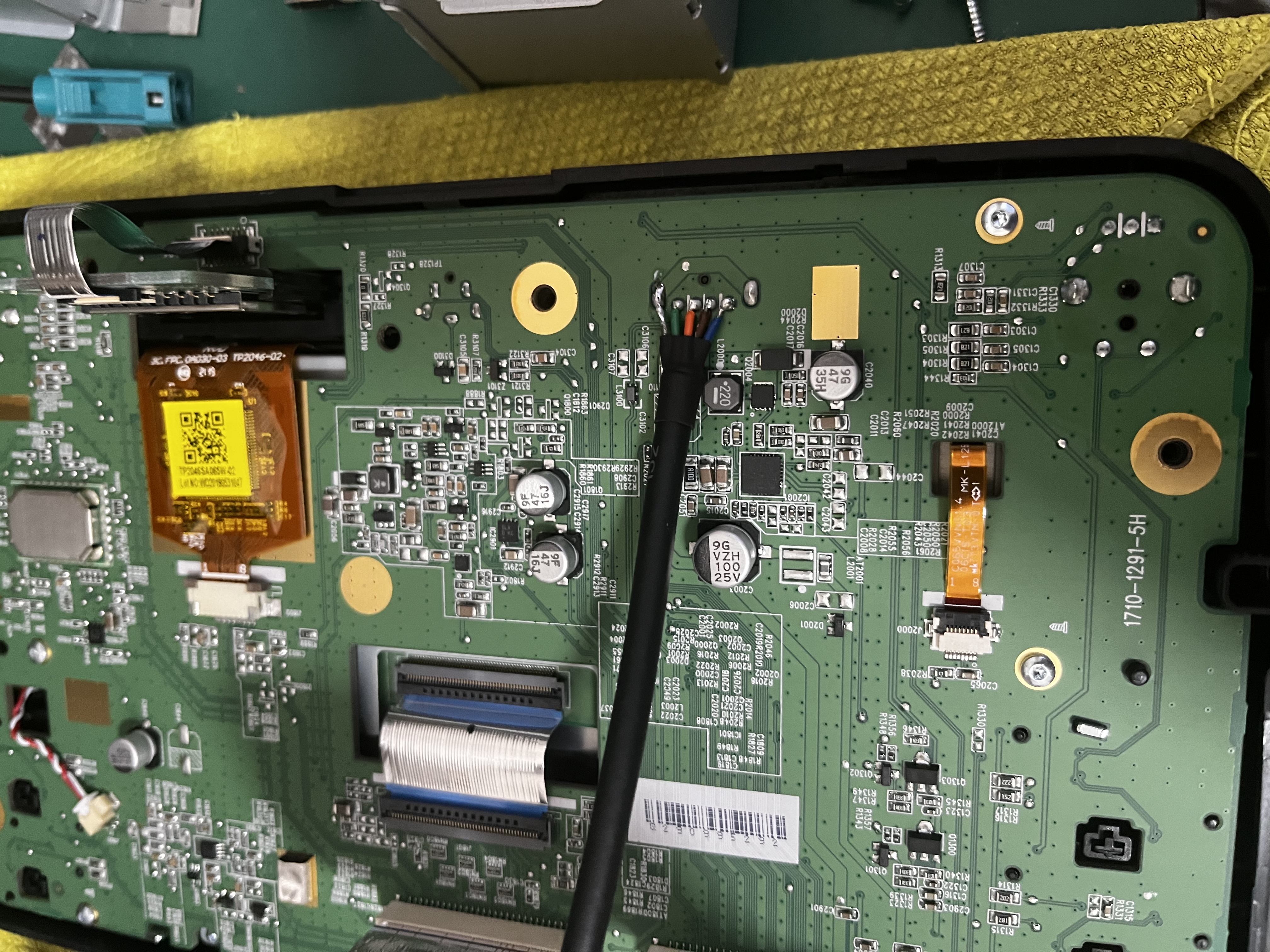
I just recently purchased a used 187B, the serial # is 6RD 035 187B. It came with the rear USB hook up.
One issue I'm having is the USB on the head unit does not work with Carplay. I have use the rear hook up, is this normal?
The biggest complaint is audio or microphone does not work with phone calls. I have deleted the bluetooth on the car and tuned off bluetooth on the headunit. I have software 5614 installed currently but when I try to update my firmware I just get a error that there is no playable files.
FYI the USB on the headunit does flash the light on my USB stick but doesn't appear to load anything.
I just recently purchased a used 187B, the serial # is 6RD 035 187B. It came with the rear USB hook up.
One issue I'm having is the USB on the head unit does not work with Carplay. I have use the rear hook up, is this normal?
The biggest complaint is audio or microphone does not work with phone calls. I have deleted the bluetooth on the car and tuned off bluetooth on the headunit. I have software 5614 installed currently but when I try to update my firmware I just get a error that there is no playable files.
FYI the USB on the headunit does flash the light on my USB stick but doesn't appear to load anything.
Mark Cotter has reacted to this post.