Quote from
Ddren on September 19, 2019, 2:30 am
All resources come from the Internet,FREE
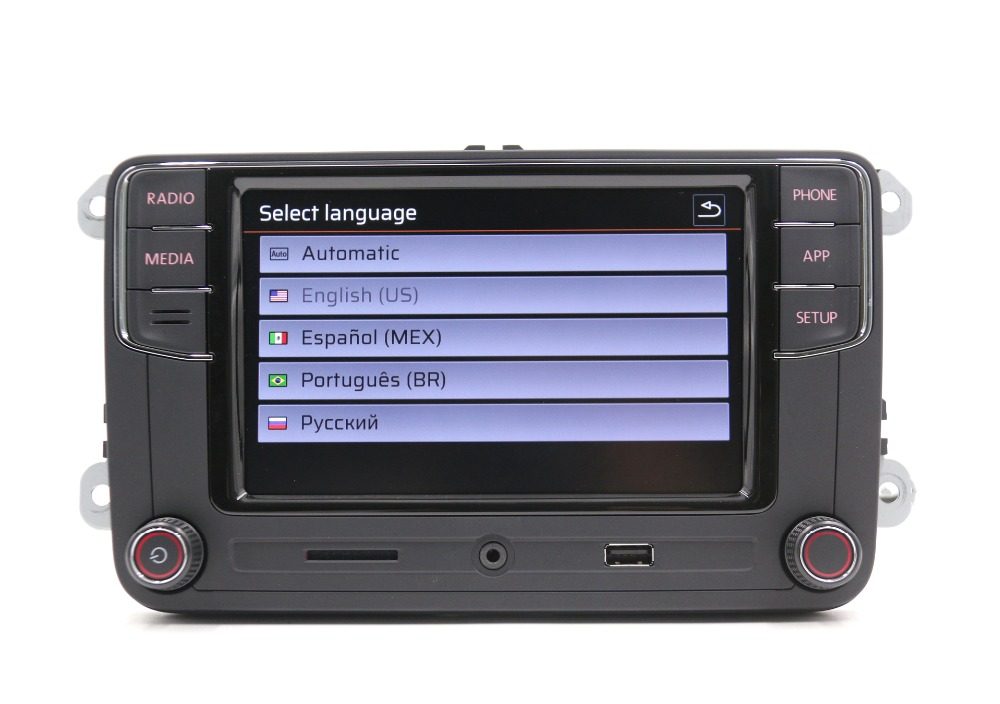
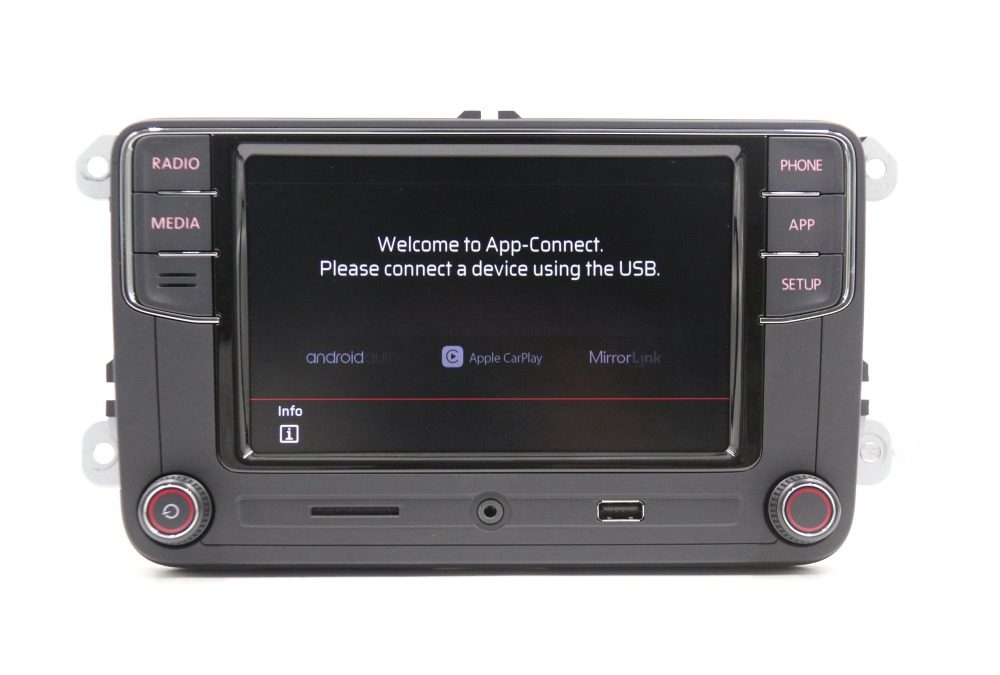
4 Languages English/Spanish/Portuguese/Russian for 5522
[spoiler]Download[/spoiler]
2 Languages English/German for 5522
[spoiler]Download[/spoiler]
1 language Chinese patch for 5522 (4 Languages English/Spanish/China/Russian)
[spoiler]Download[/spoiler]
How to upgrade firmware.
1. Download and put on to a USB stick
2. Plug into the head unit, turn on and hold the "setup" button for 5 secs
3. Select software update and pick the file on the USB
4. Wait. Until the progress bar of the upgrade reaches 100%.
5. Head unit will reboot. Done

All resources come from the Internet,FREE
4 Languages English/Spanish/Portuguese/Russian for 5522
Spoiler
Sorry, only logged-in users can see spoilers.
2 Languages English/German for 5522
Spoiler
Sorry, only logged-in users can see spoilers.
1 language Chinese patch for 5522 (4 Languages English/Spanish/China/Russian)
Spoiler
Sorry, only logged-in users can see spoilers.
How to upgrade firmware.
1. Download and put on to a USB stick
2. Plug into the head unit, turn on and hold the "setup" button for 5 secs
3. Select software update and pick the file on the USB
4. Wait. Until the progress bar of the upgrade reaches 100%.
5. Head unit will reboot. Done


